city detect

Designing a responsive platform and website for a company that detects blight and urban decay.
00
problem
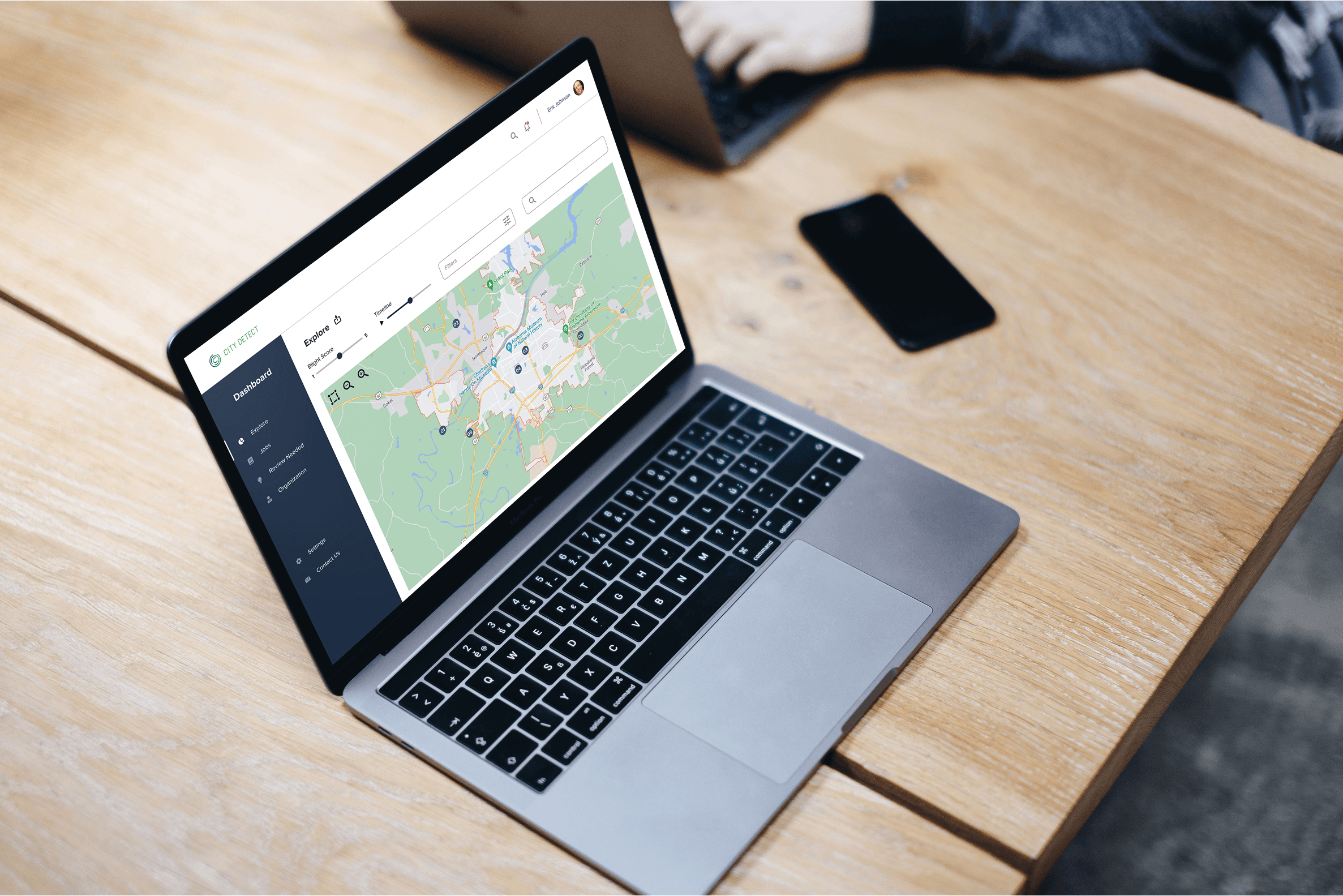
City Detect is looking to expand outside of Tuscaloosa, AL, and grow into other cities in the US. With an expanding regional and customer base, they want to present their information in a more accessible, interactive, and understandable manner than the reports they were delivering to their clients up until this point. The two main goals of City Detect were to have a clean, intuitive web platform and an updated website.
solution
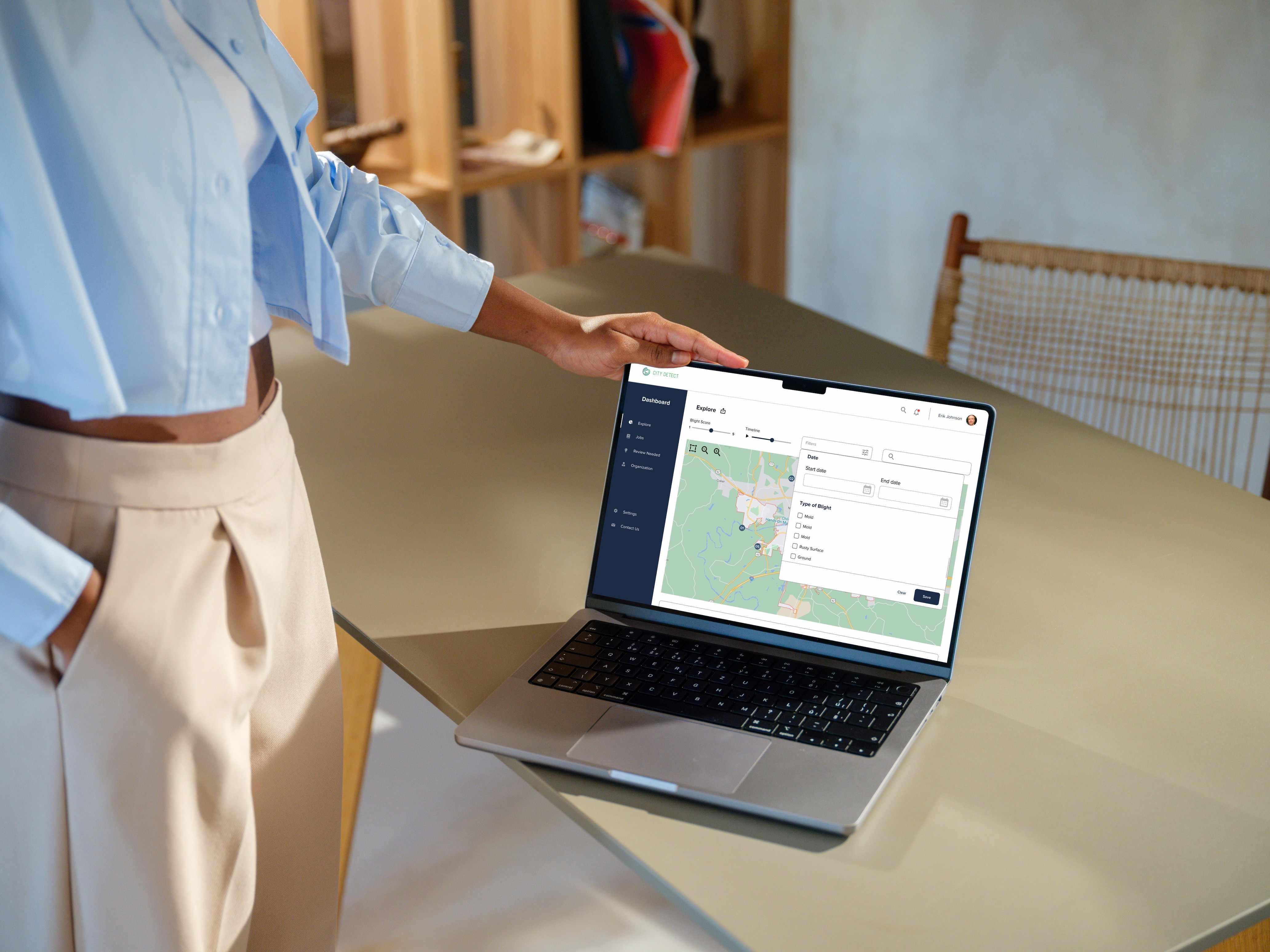
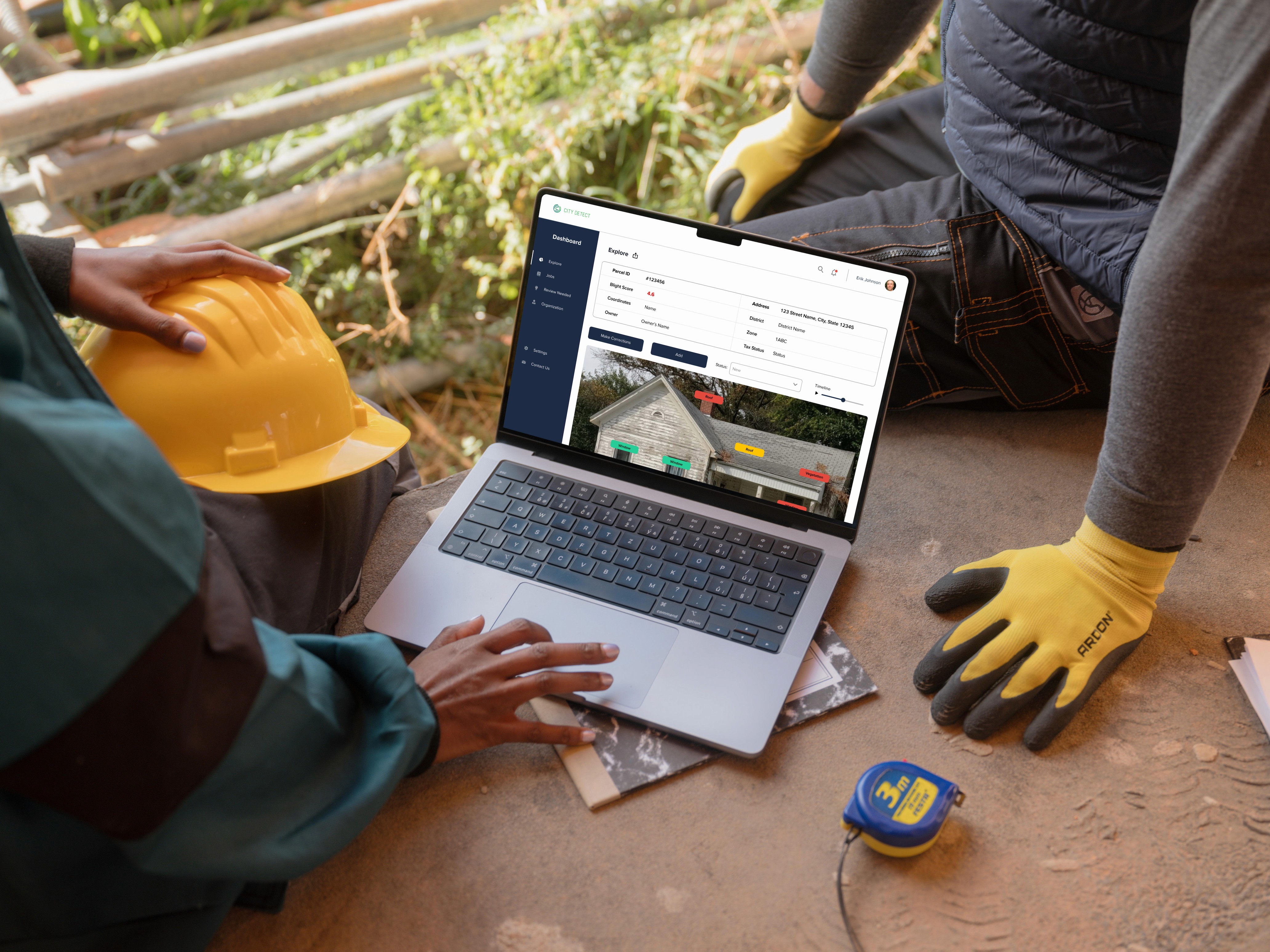
Working closely with the founders of City Detect to design their platform and website with key components in mind: • A searchable map that would allow users to easily find blight reports in a given area • Parcel reports where users can find code violations and correct blight for a specific address • Vendor management and the capability to assign vendors to specific parcels in order to remedy decay as it is discovered
year
2022
deliverables
Website, Responsive Platform, Style Guide
category
UI/UX
City Detect set out to solve a problem many communities face but few have the tools to address: urban blight. With a vision to make blight detection more accessible and actionable, the platform needed a digital experience that was as intuitive as it was informative. I began with deep discovery: stakeholder meetings, competitive analysis, and user story mapping across five key categories helped lay the foundation for a product that would serve both everyday users and city officials alike.
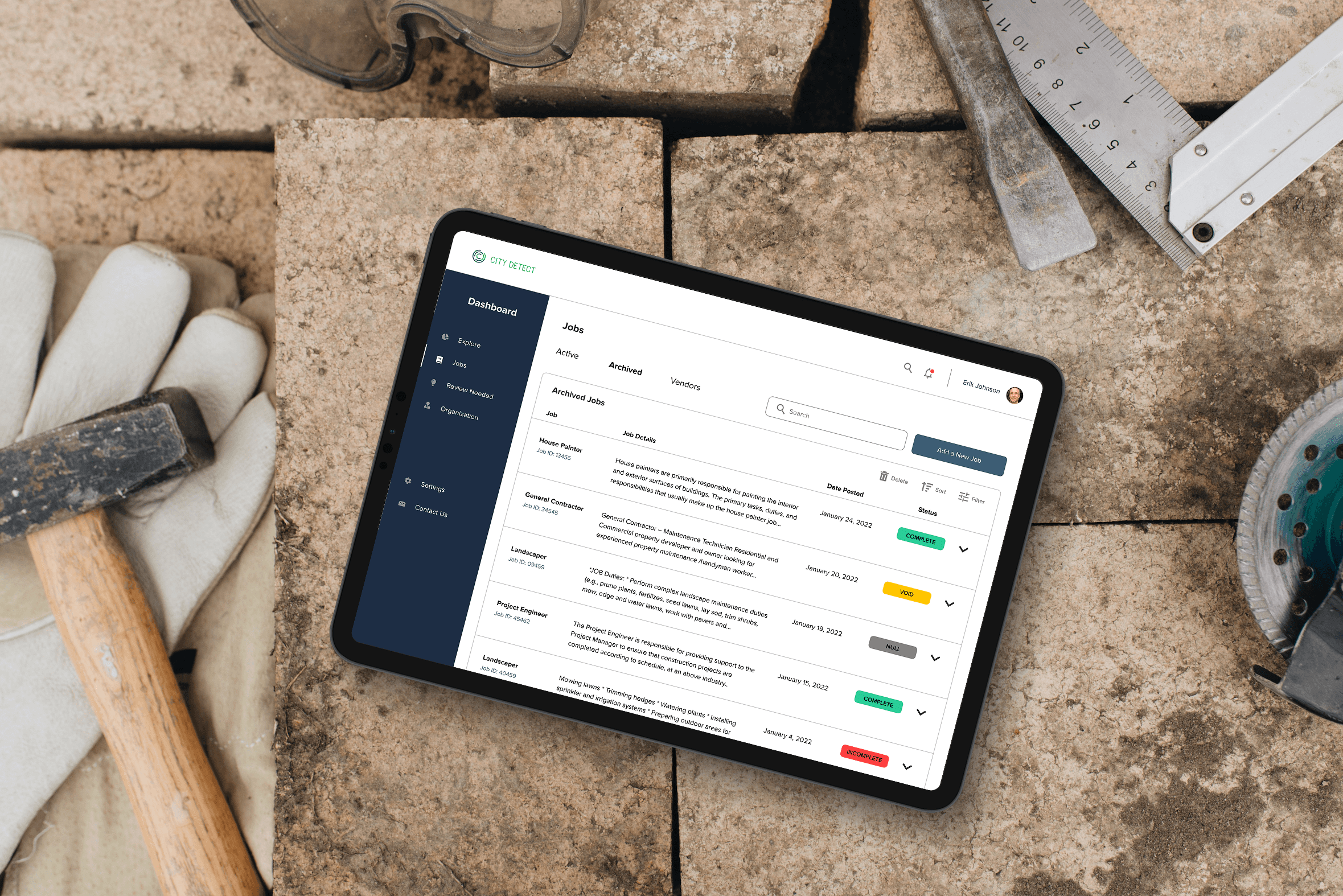
From there, I moved into ideation: building a site map, charting nine critical user flows, and iterating through rounds of wireframes that drew inspiration from platforms like Airbnb, Zillow, and Google Maps. Every design decision was made with simplicity in mind, ensuring that a complex dataset never felt overwhelming to the people using it. Close collaboration with the client at every stage kept the work grounded in real needs and real feedback.
The final product came to life through high-fidelity mockups and a fully interactive Figma prototype. I conducted remote usability testing with five users, and the majority completed every task successfully on the first attempt, describing the interface as clean, intuitive, and well organized. I closed the project with a thorough annotated developer handoff, complete with spacing specs, flow documentation, and a style guide, setting the development team up for a smooth and confident build.
01
02
see also